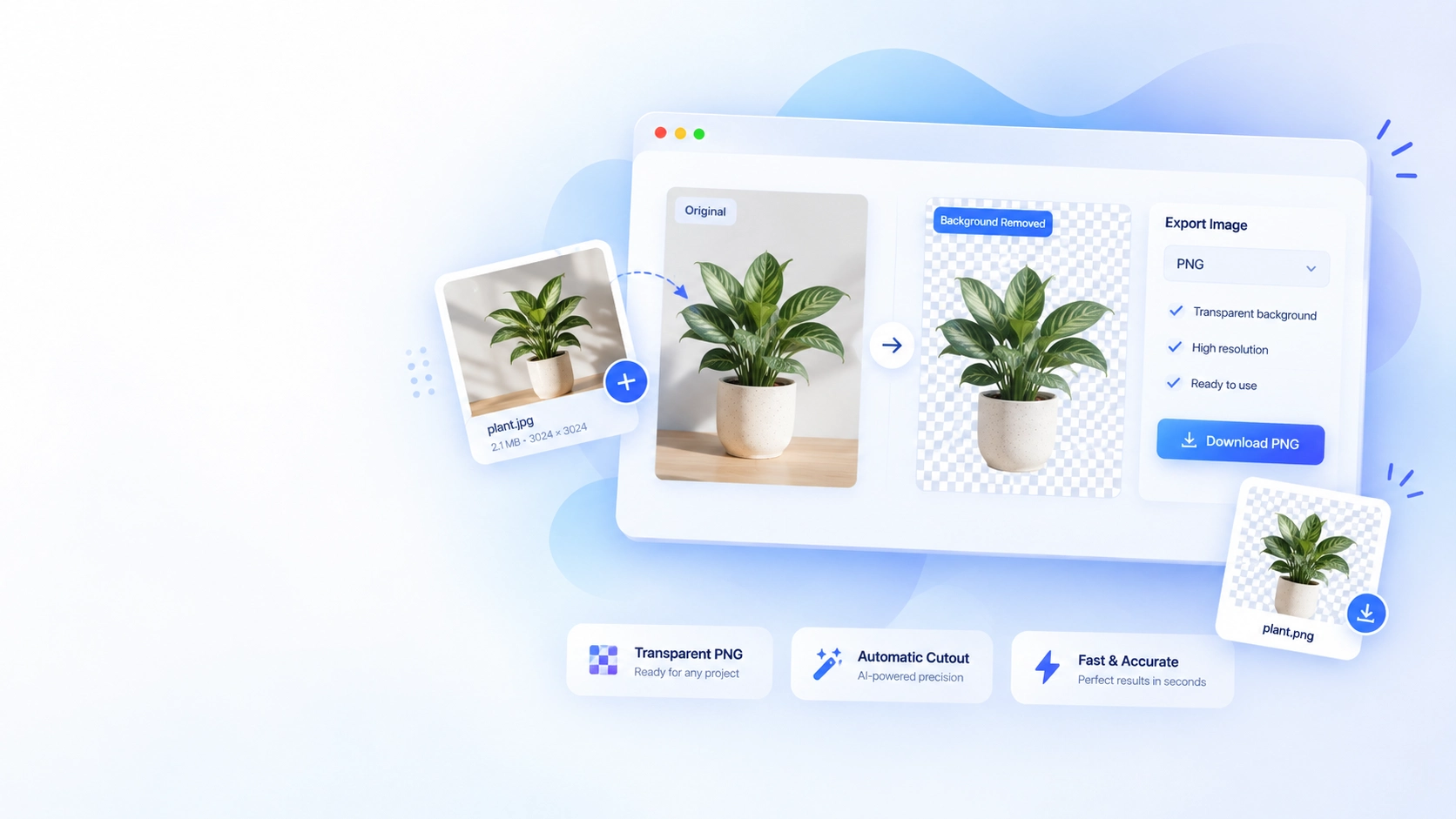
Background Remover
Make the subject the whole story.
Create a clean transparent cutout for products, profiles, presentations, and creative layouts.
Remove a background →Resize, convert, crop, compress and rotate images in your browser. Background removal is powered by LuxTool AI.
Resize any image to your desired dimensions with ratio lock and presets
Convert JPG, PNG, WebP, AVIF, HEIC and more privately in your browser
Crop with aspect ratio presets and custom sizes
Reduce file size and see compression savings live
Rotate and flip images freely
Combine images into a PDF document
Extract PDF pages as PNG images
Merge multiple PDFs into one document
Split a PDF into individual pages or ranges
Remove unwanted pages from a PDF
Rotate any pages inside a PDF
Stamp text onto any page of a PDF
Add custom text watermarks to images
Freehand drawing canvas with brush controls
Remove image backgrounds and export transparent PNG
Convert PNG/JPG to vector SVG
Every image and PDF task has its own focused workspace. These examples show the complete journey—from upload to a useful finished file.
Create a clean transparent cutout for products, profiles, presentations, and creative layouts.
Remove a background →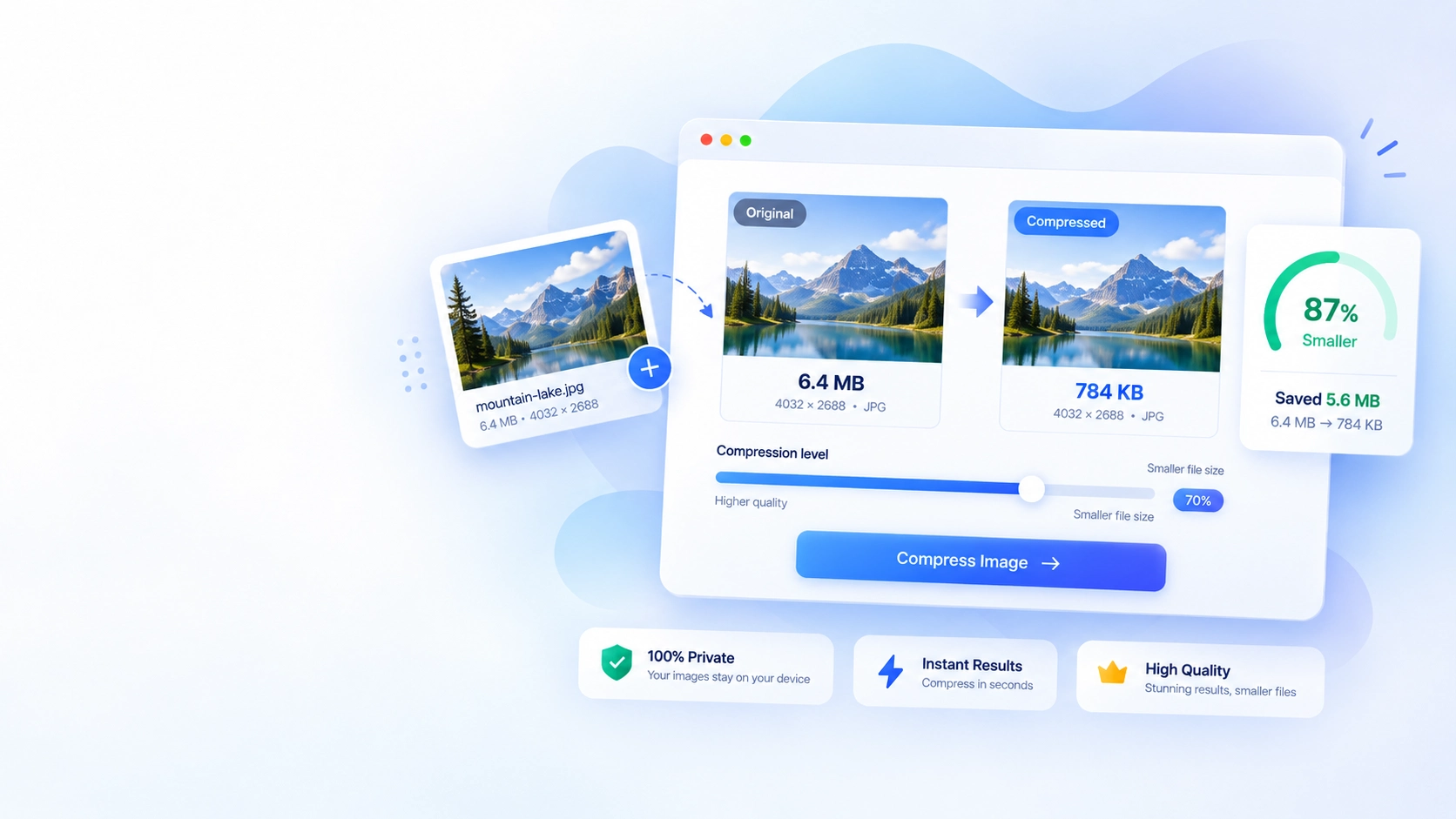
Compare the result and choose the balance that works for your website or upload.
Compress images →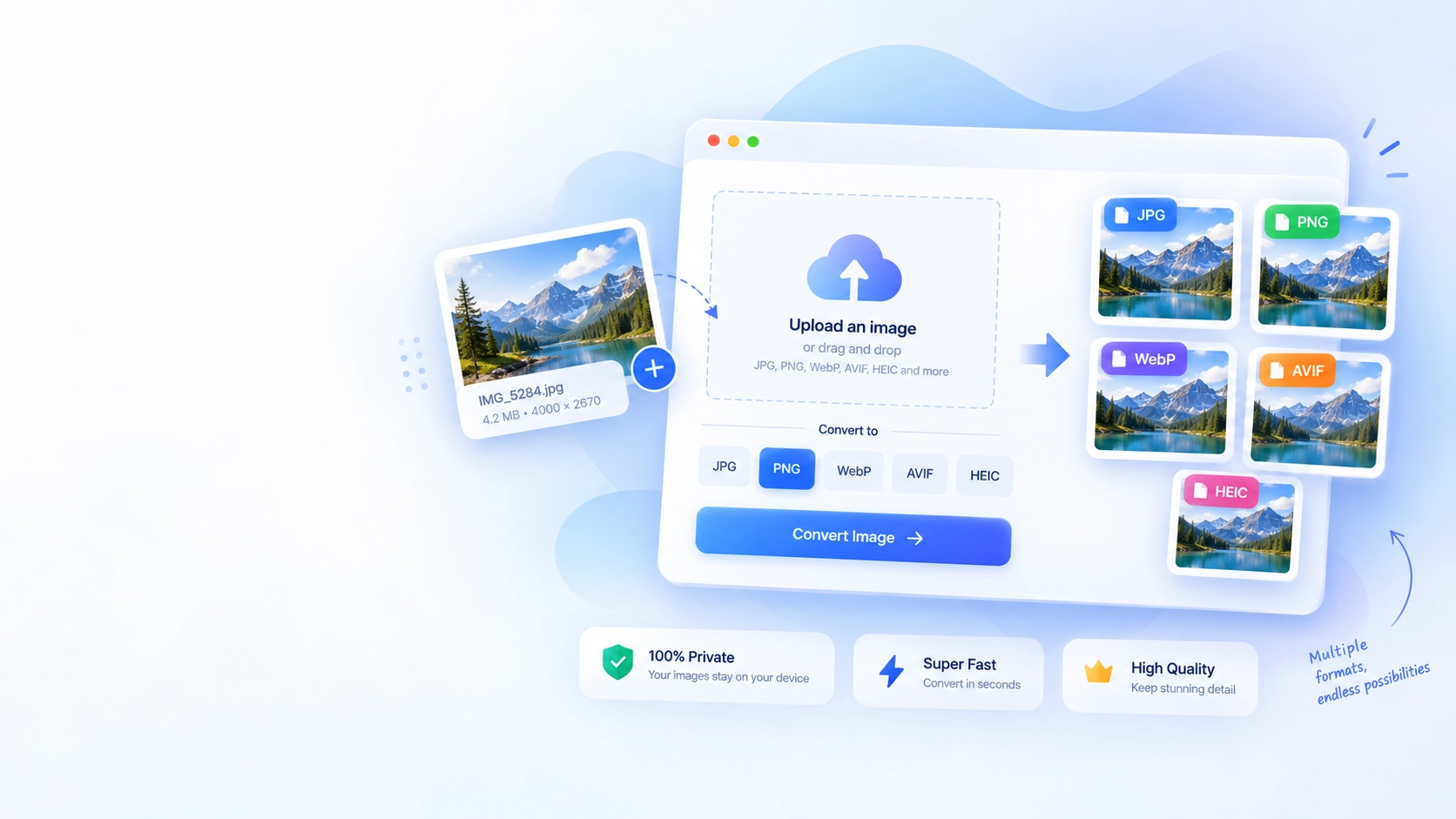
Move between JPG, PNG, WebP, AVIF, HEIC, and other practical formats.
Convert an image →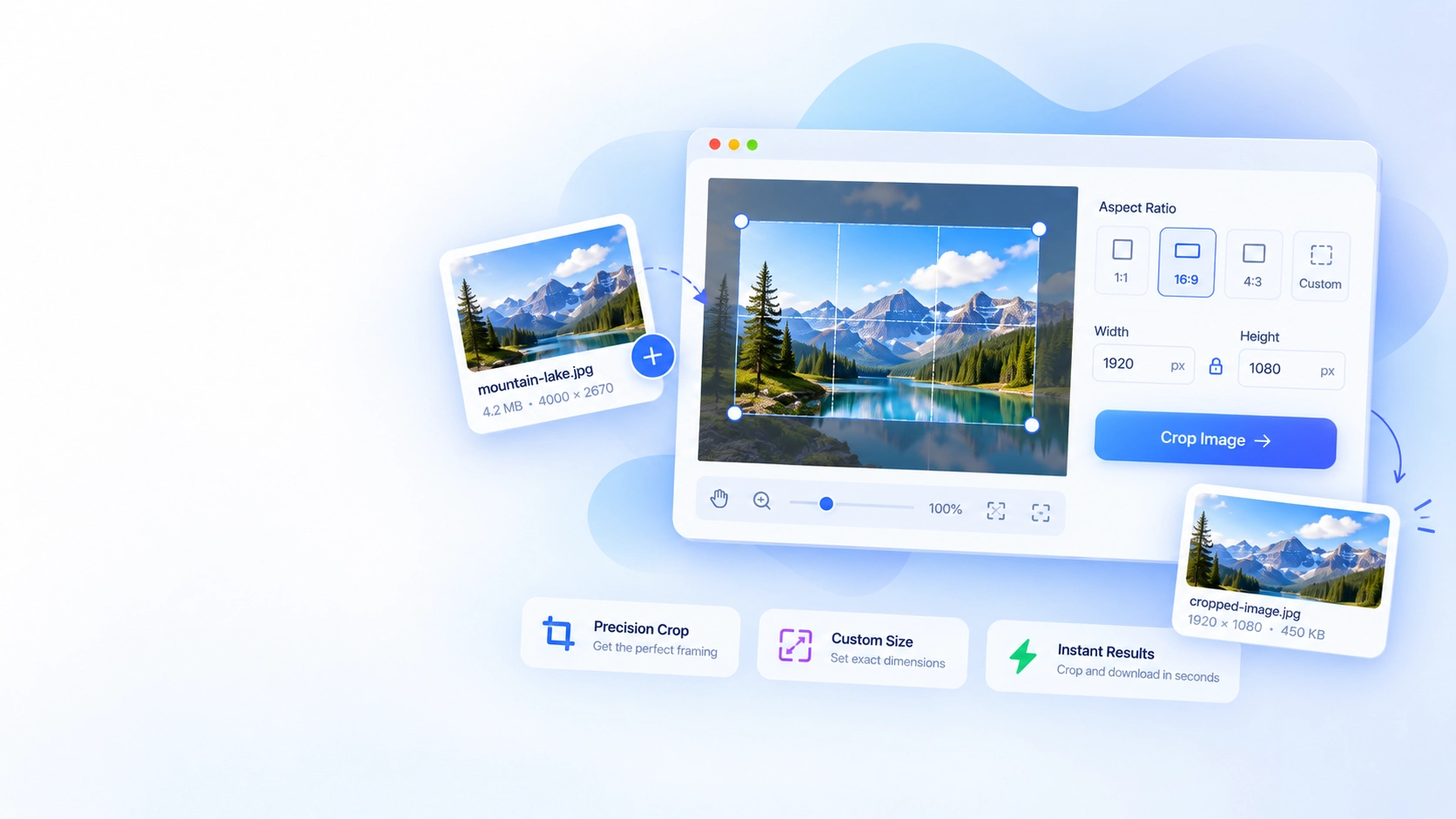
Use familiar aspect ratios or precise dimensions for a clean final composition.
Crop an image →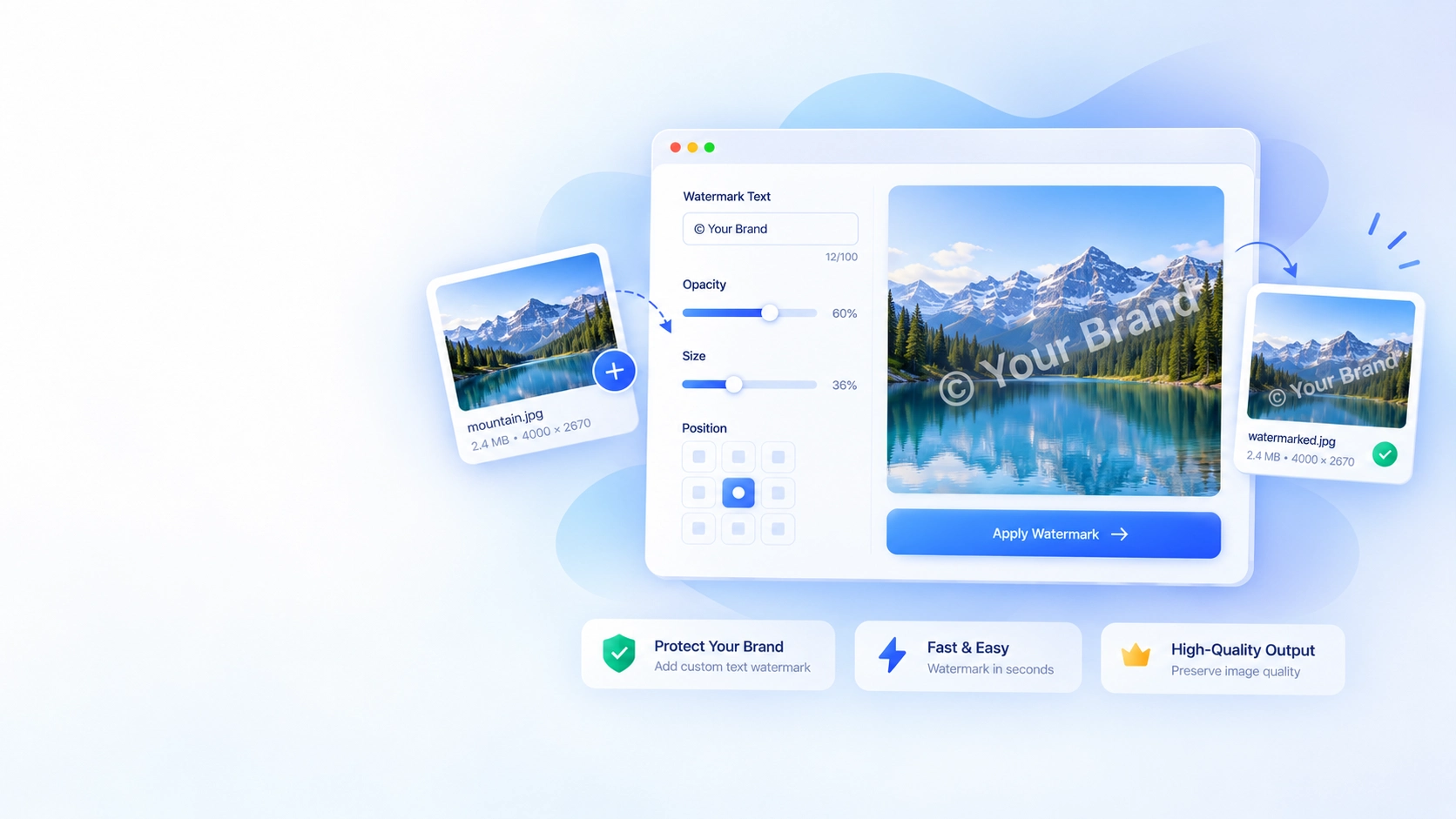
Tune the text, position, size, and opacity so your branding feels intentional.
Add a watermark →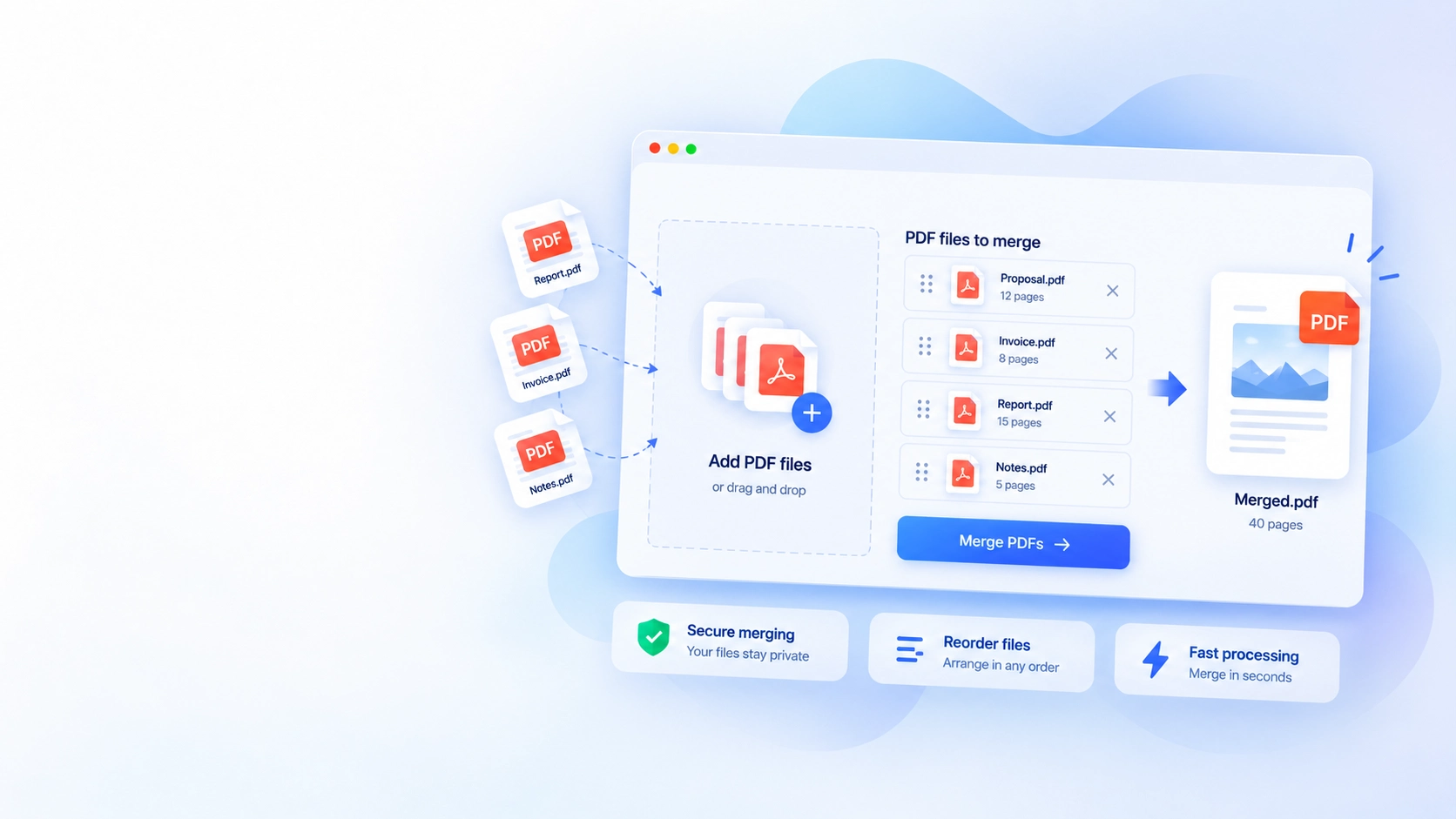
Arrange reports, invoices, and notes once, then download one shareable PDF.
Merge PDFs →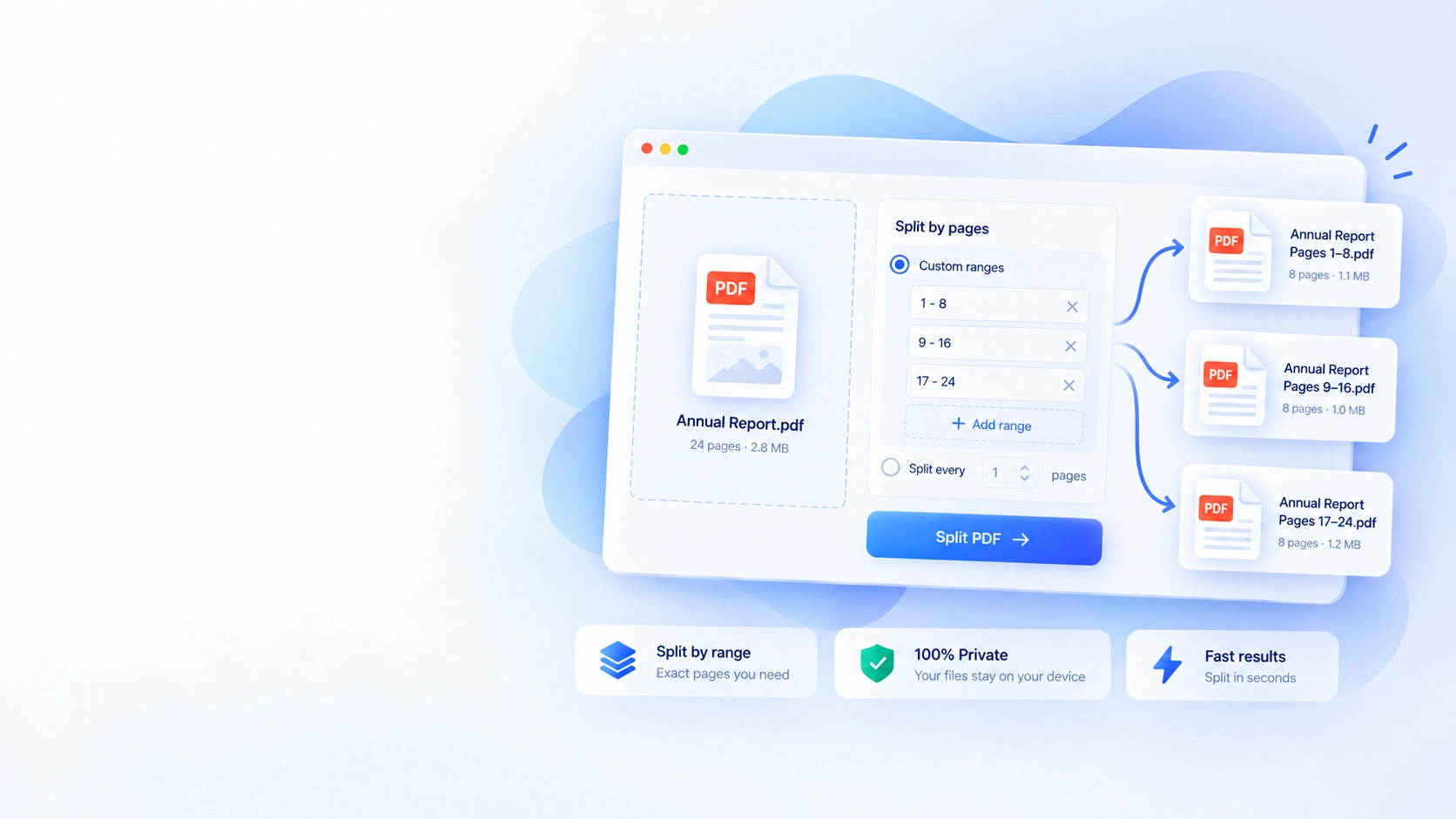
Split by custom ranges or separate every page into focused documents.
Split a PDF →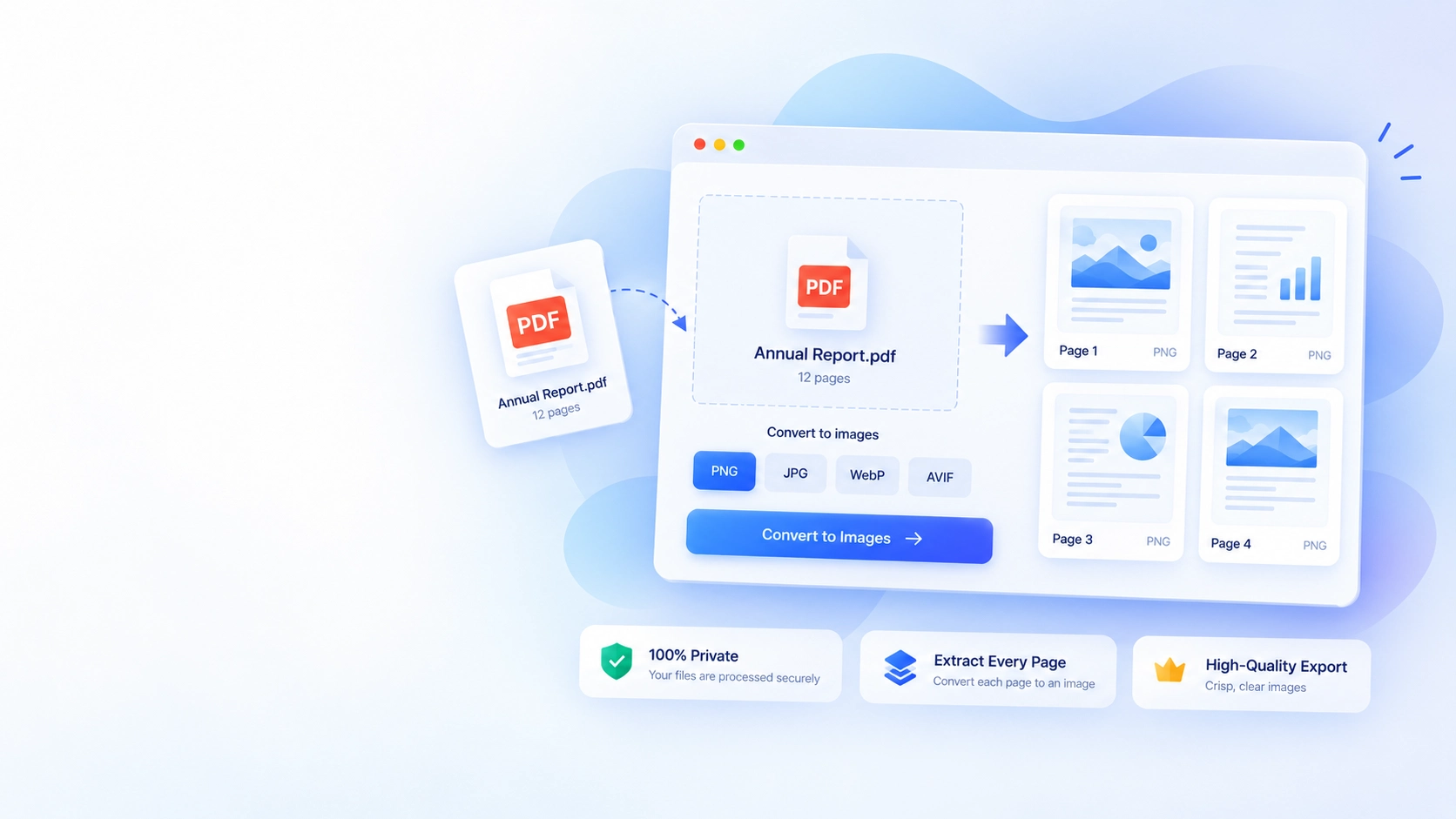
Extract crisp page images for slides, websites, messages, and design work.
Convert PDF pages →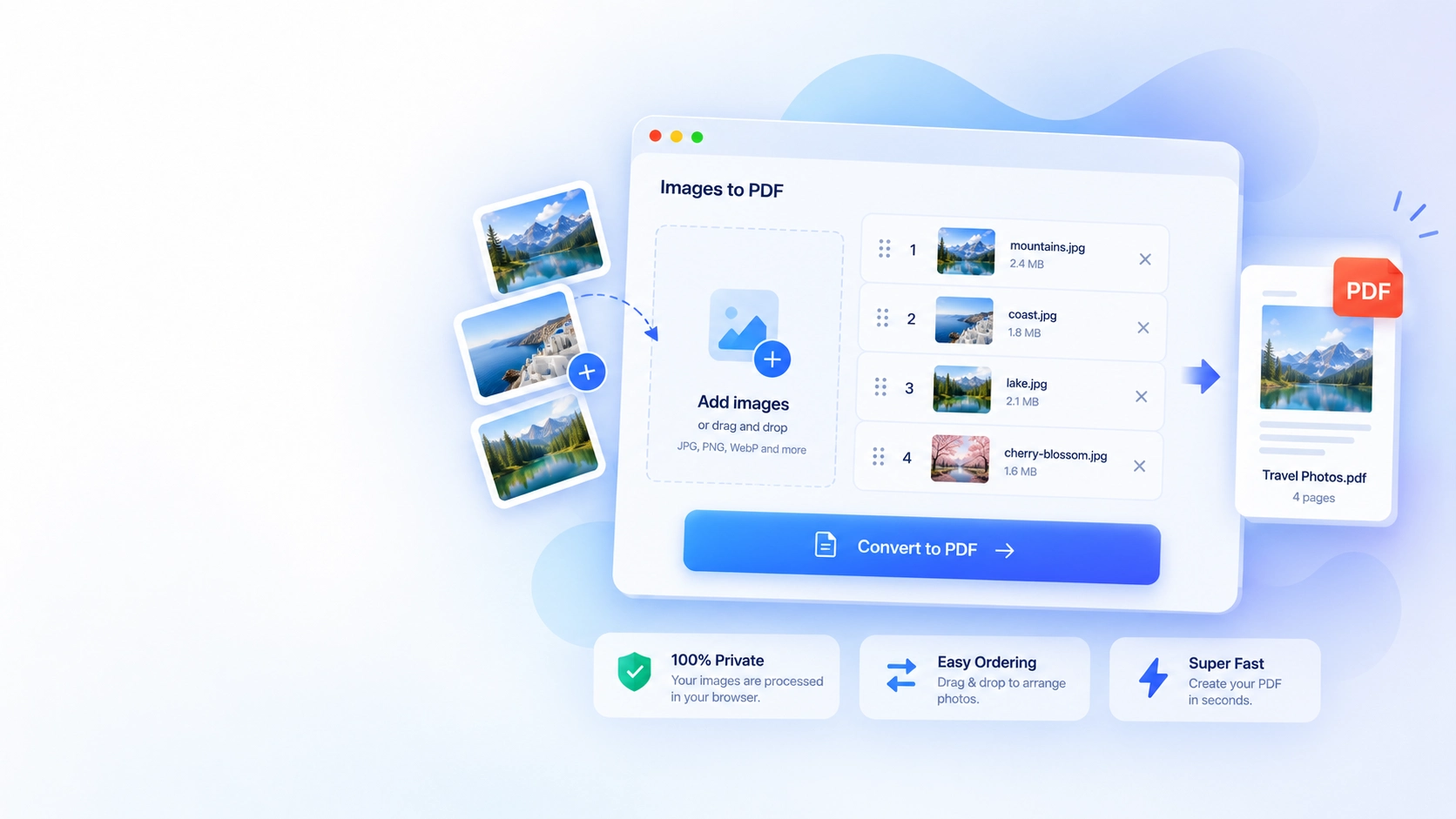
Order photos or scans and package them into one convenient PDF.
Create a PDF →Whether you're resizing photos for the web, compressing images for faster loading, or editing a PDF for work or school, LuxTool brings together a collection of free online image and PDF tools designed for everyday use. Every tool runs instantly in your browser, requires no signup, and is built with speed, accuracy, and privacy in mind.
From resizing, cropping and converting images to merging, splitting and editing PDFs, our tools help you get common image and document tasks done in just a few clicks. Whether you're a designer, student, professional, or simply need a quick edit, you'll find practical tools that save time and reduce manual work.
Our goal is to provide reliable online image and PDF tools that are easy to use on any device. Every tool is designed with a clean interface, fast performance, and accurate results, making them suitable for both quick everyday edits and more detailed document work.
You can access image editing, format conversion, and PDF tools from one convenient location.
Resize, crop, rotate, compress and freehand draw on images with instant, in-browser previews.
Convert between PNG, JPG, WebP and BMP formats, or turn images into PDF documents.
Merge, split, rotate, remove pages from, or stamp text onto PDF documents in a few clicks.
Add custom text watermarks to images to protect and brand your visual content.
LuxTool image and PDF tools are designed to be straightforward and dependable. There's nothing to install, no complicated settings, and no learning curve. Simply upload your file, choose your options, and get instant results.
We regularly expand our collection with new tools and improvements to ensure you always have access to practical image and document tools for work, study, business, and personal use.
Yes, every tool on this page is completely free to use.
No, all tools work instantly without signup or login.
Most tools process files directly in your browser. Background removal offers a Local AI engine that also runs entirely in your browser, plus an optional LuxTool Cloud AI engine to generate results.
Yes, every tool is designed to work smoothly on desktop, tablet, and mobile.
No, files are processed on the fly and are not stored after you leave the page.
We regularly add new image and PDF tools and improvements to expand the collection.